


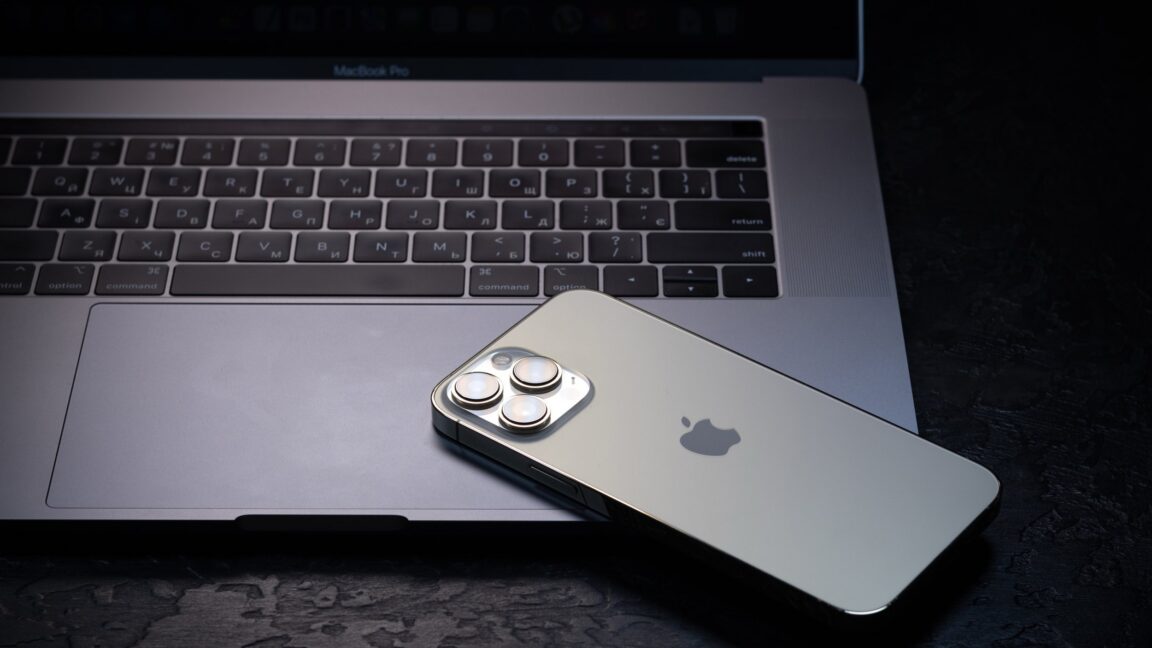
Apple created Lockdown Mode for people at elevated risk
CART was unable to retrieve any data from the iPhone. “Because the iPhone was in Lockdown mode, CART could not extract that device,” the government filing said.
The government also submitted a declaration from FBI Assistant Director Roman Rozhavsky stating the agency “has paused any further efforts to extract this device because of the Court’s Standstill Order.” The FBI did extract information from the SIM card “with an auto-generated HTML report created by the tool utilized by CART,” but “the data contained in the HTML was limited to the telephone number.”
Apple says that LockDown Mode “helps shield devices from extremely rare, highly sophisticated cyberattacks,” and is “intended for the very few individuals who, because of who they are or what they do, might be personally targeted by some of the most sophisticated digital threats.”
Introduced in 2022, Lockdown Mode is available for iPhones, iPads, and Macs. It must be enabled separately for each device. To turn it on for an iPhone or iPad, open Settings, tap Privacy & Security, scroll down to Lockdown Mode, and tap Turn on Lockdown Mode.
The process is similar on Macs. In the System Settings app accessed from the Apple menu, click Privacy & Security, scroll down to Lockdown Mode, and click Turn On.
Apple says, “When Lockdown Mode is enabled, your device won’t function like it typically does. To reduce the attack surface that potentially could be exploited by highly targeted mercenary spyware, certain apps, websites, and features are strictly limited for security and some experiences might not be available at all.”
Lockdown Mode blocks most message attachments, prevents FaceTime calls from people you haven’t contacted in the past 30 days, restricts the browser technologies websites can use, limits photo sharing, and applies other safeguards. Users can, however, exempt specific apps and websites they trust from these restrictions.